





Installing GAN tuning modules
In most cases, you can install the GAN tuning module yourself in under 15 minutes. Choose your tuning module: where it connects and how many steps it takes depend on the module.
Installation steps · GAN GT / GAN GTL · 16 steps
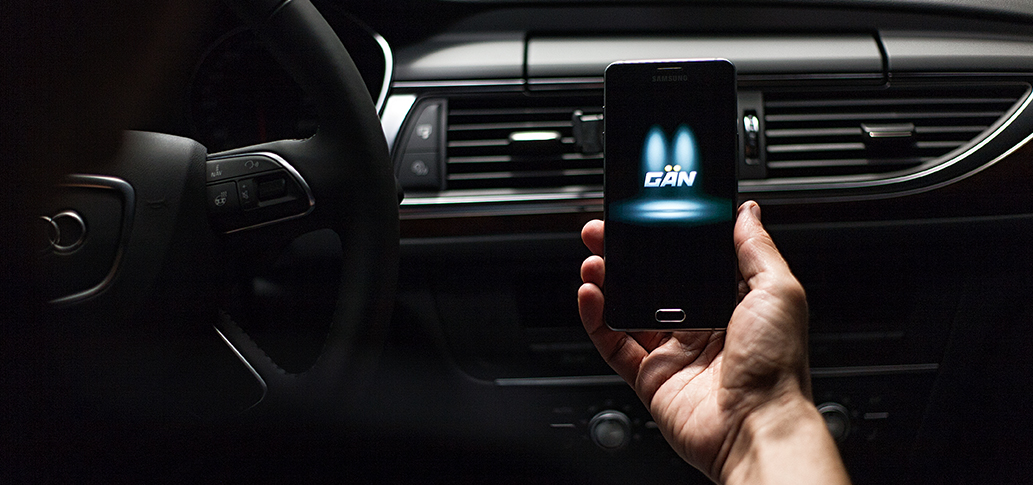
Download the GAN app from the App Store for iOS or from Google Play for Android.
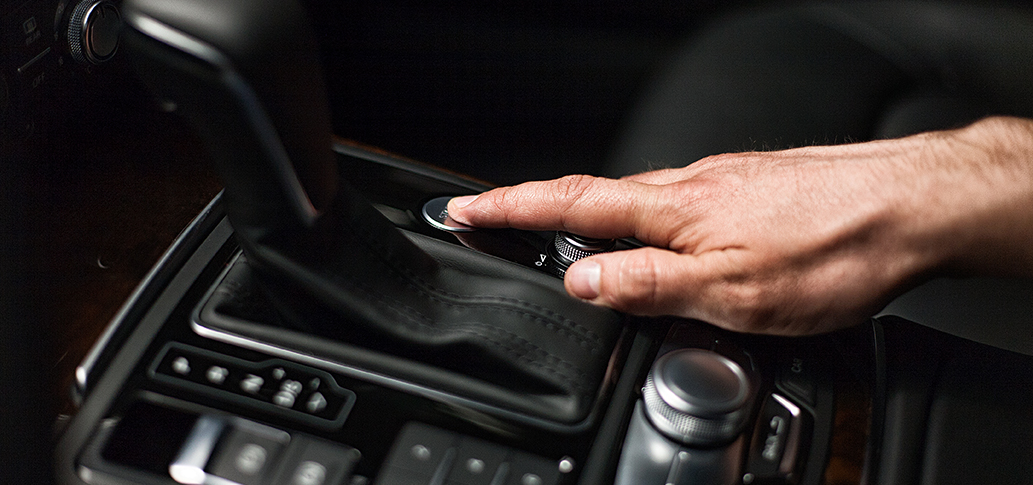
Turn off the ignition, remove the key and wait 5 minutes.
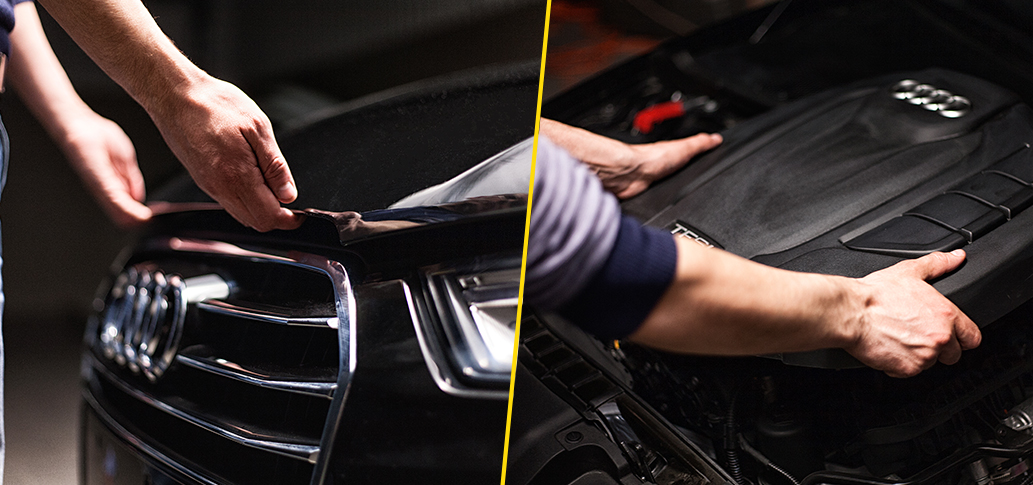
Open the hood and remove the engine cover, as shown here on an Audi A6 1.8T 190 hp.
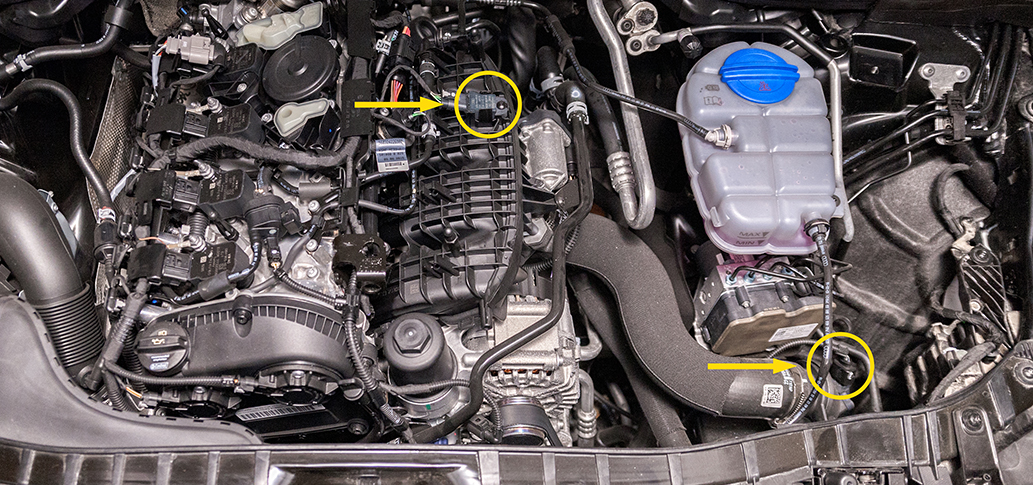
Locate the sensors that are relevant for installation in your vehicle. Connection points are marked with arrows.
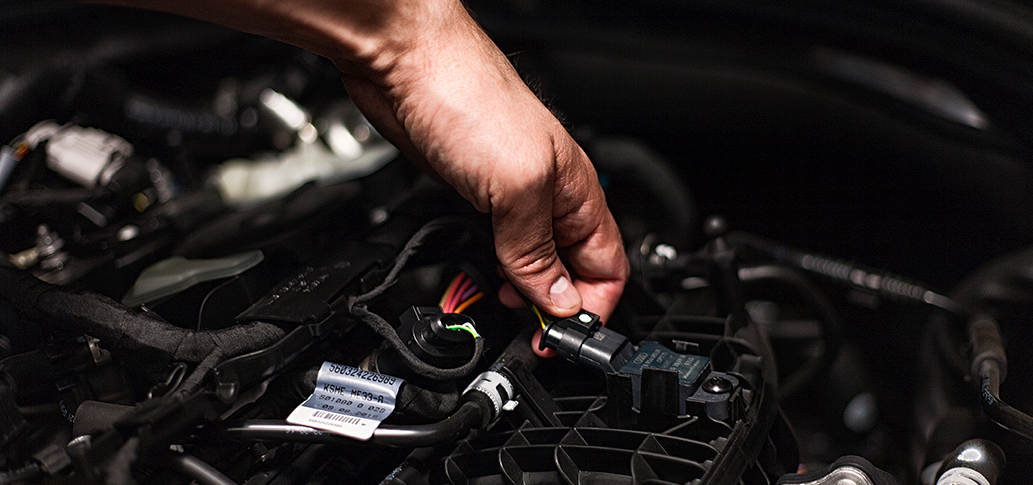
Remove the plug from the first sensor.
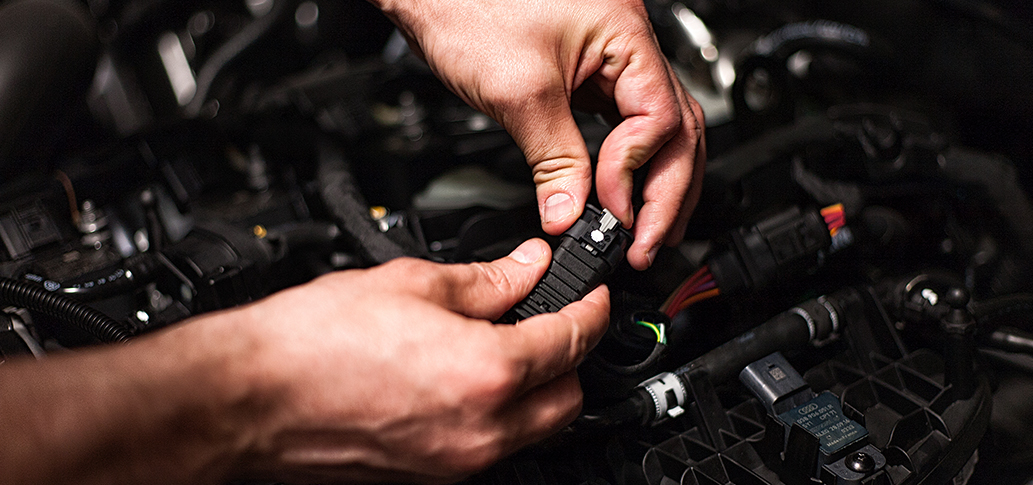
Connect the corresponding harness socket to the first sensor and the disconnected plug. Make sure that the plugs are clicked into place. The GAN device is now connected to the first sensor.
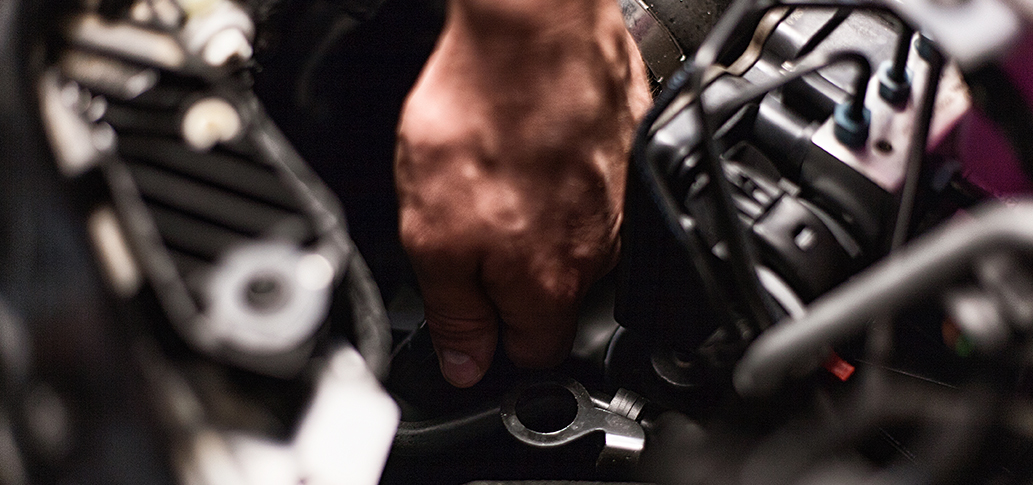
Remove the plug from the second sensor.
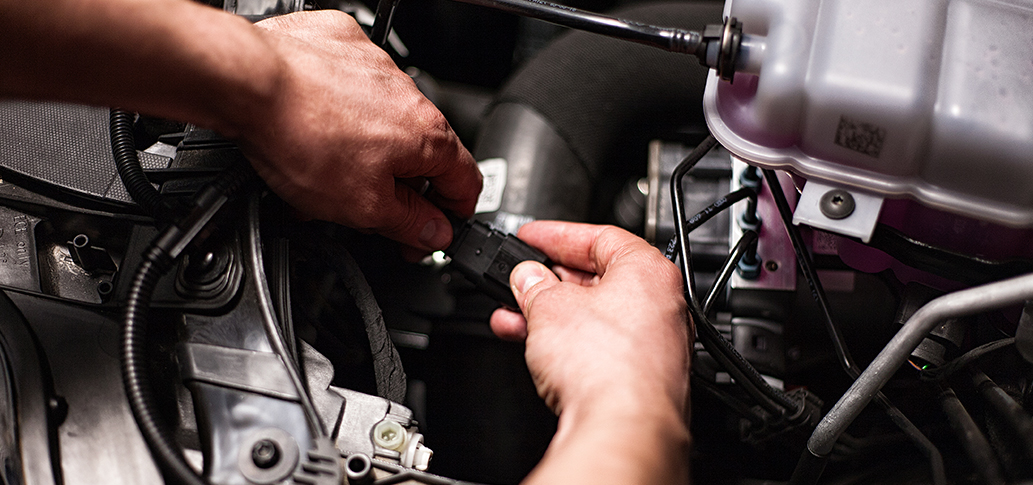
Connect the corresponding harness socket to the second sensor and the disconnected plug. Make sure that the plugs are clicked into place. The GAN device is now connected to the second sensor.
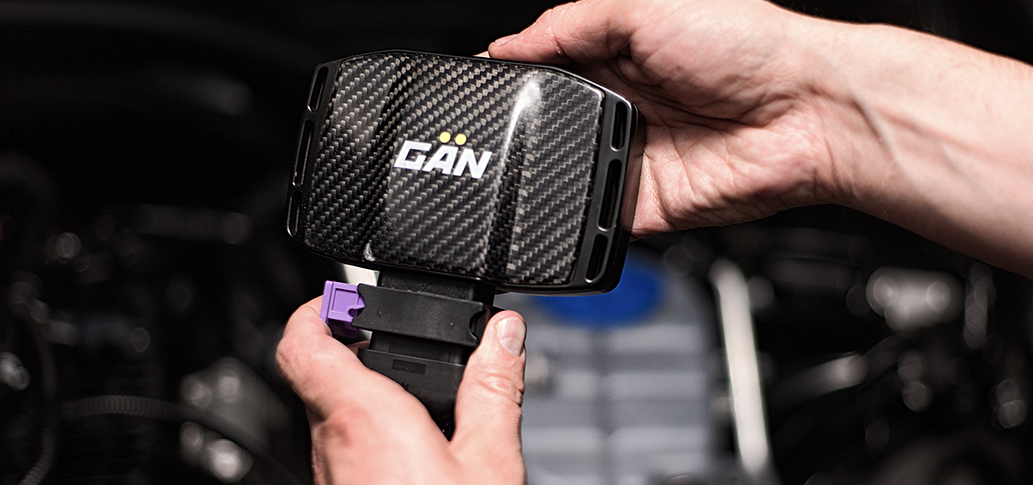
Connect the GAN GT device to the large connector on the harness.
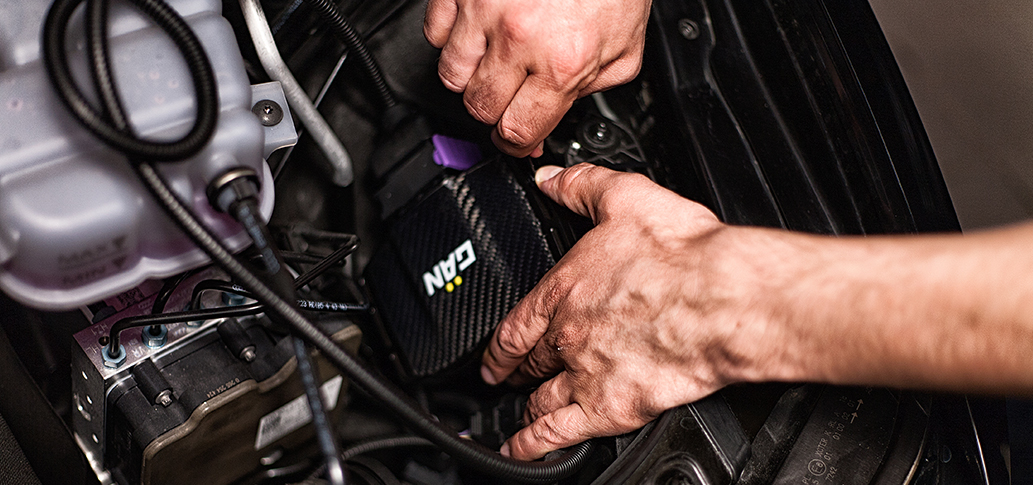
Fasten the GAN GT device and the harness at a suitable point using the cable ties.
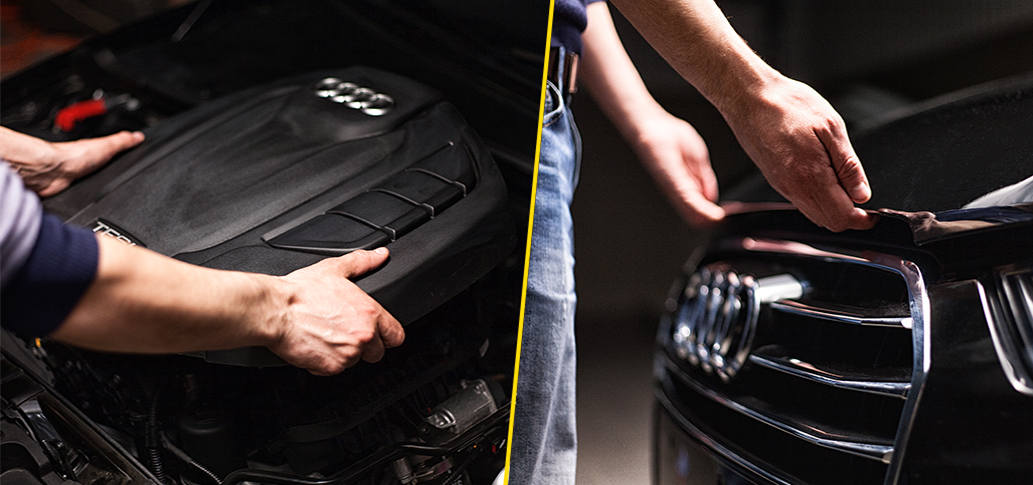
Refit the engine cover. Close the hood.
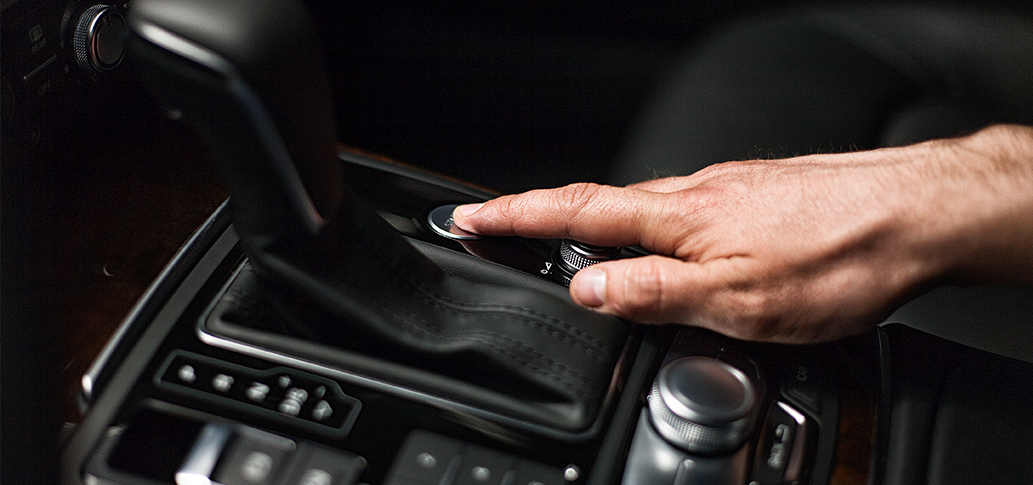
Start the engine.
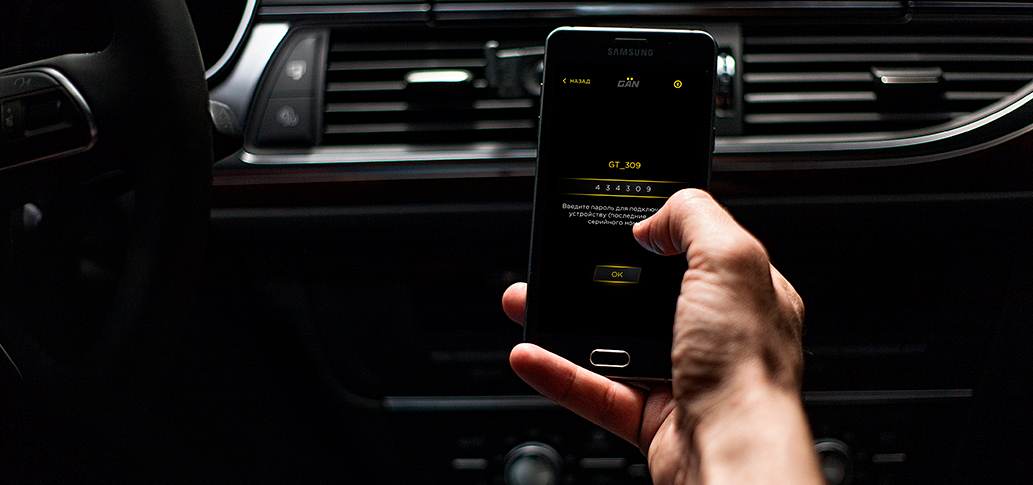
Connect to your GAN in the application. Use the last 6 digits of the device’s serial number as a password.
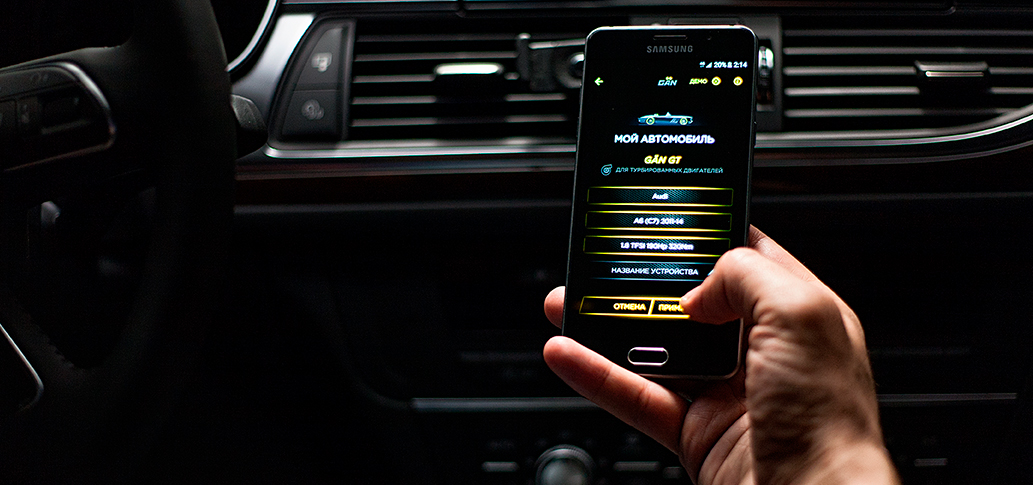
Select your car in the application. The necessary settings will then be sent to the device.
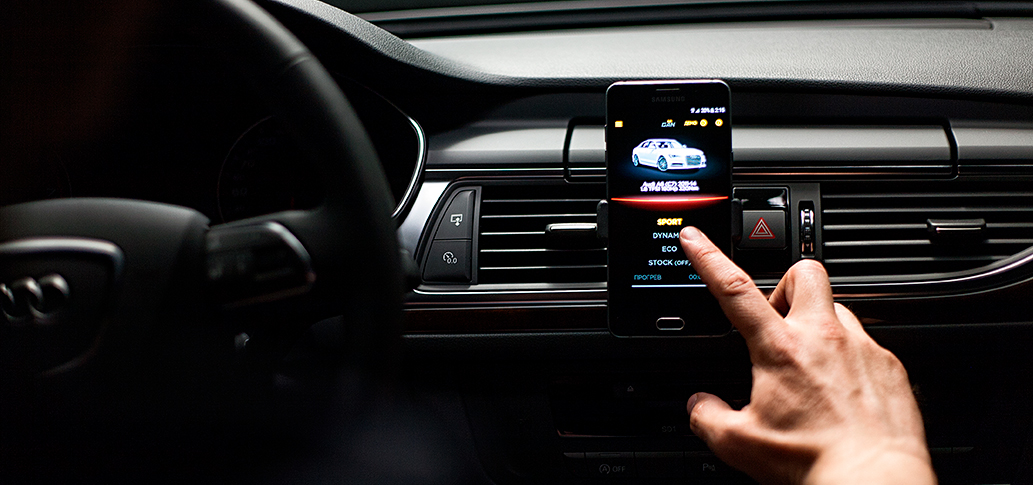
Choose between SPORT, DYNAMIC, ECO and STOCK (OFF) modes on your smartphone.

Feel your car in a new way.
Installation steps · GAN GA+ · 10 steps
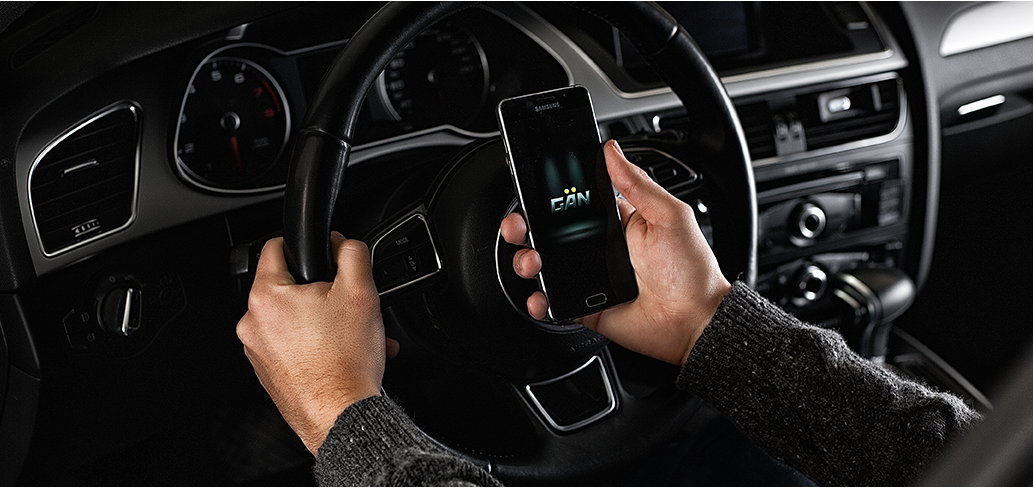
Download the GAN app from the App Store for iOS or from Google Play for Android.
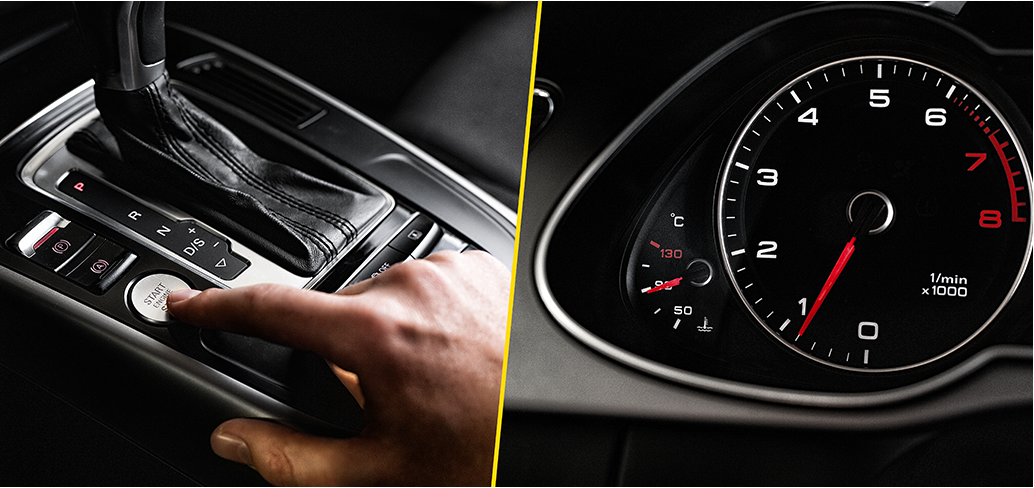
Warm up your engine to operating temperature (90 °C).
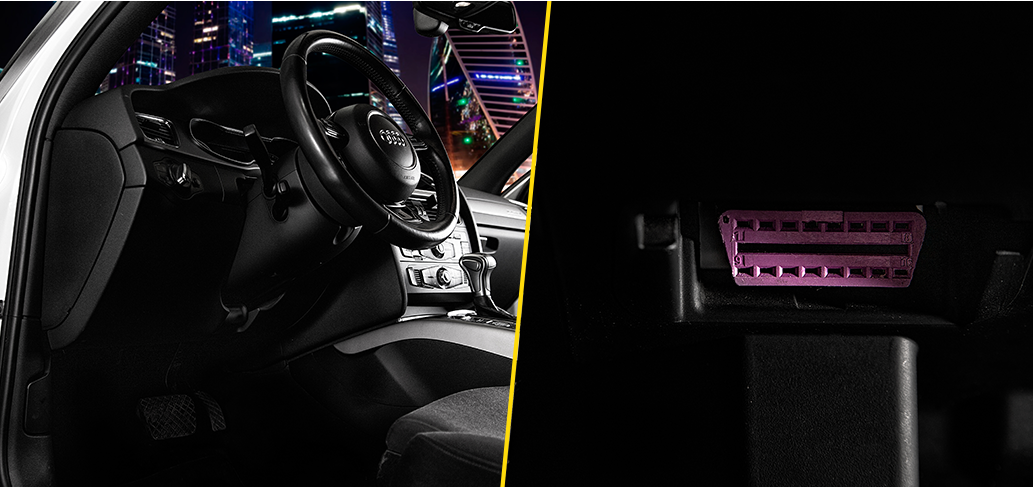
Find the OBD-II connector in your vehicle; it is usually located under the steering wheel. You will find the exact location of the OBD-II connector in the owner’s manual for your car.
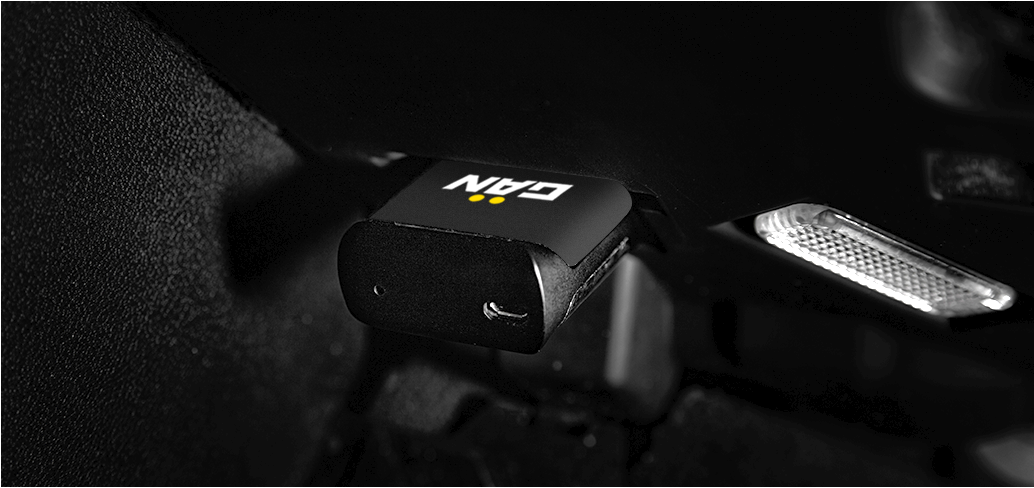
Plug the device into the OBD-II connector when the engine is running.
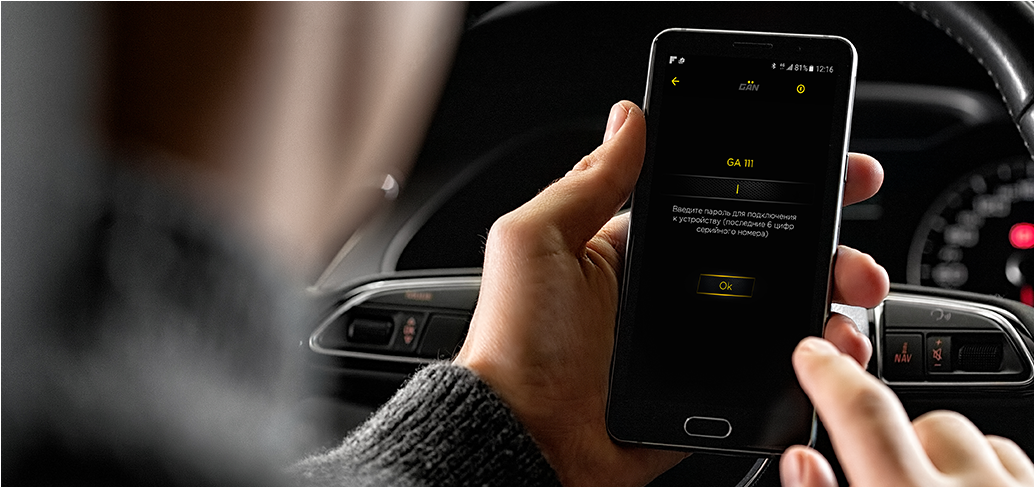
Connect to your GAN in the application. Use the last 6 digits of the device’s serial number as a password.
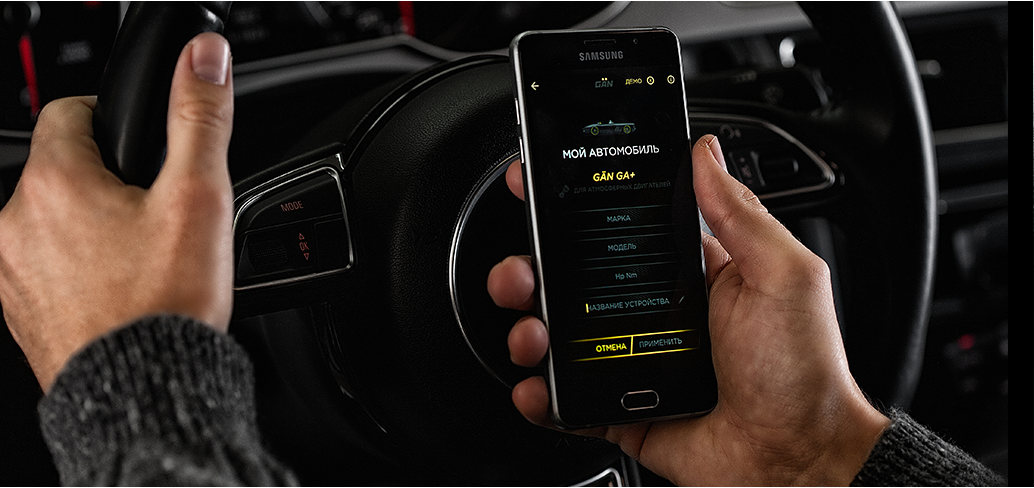
Select your car in the application. The necessary settings will then be sent to the device.
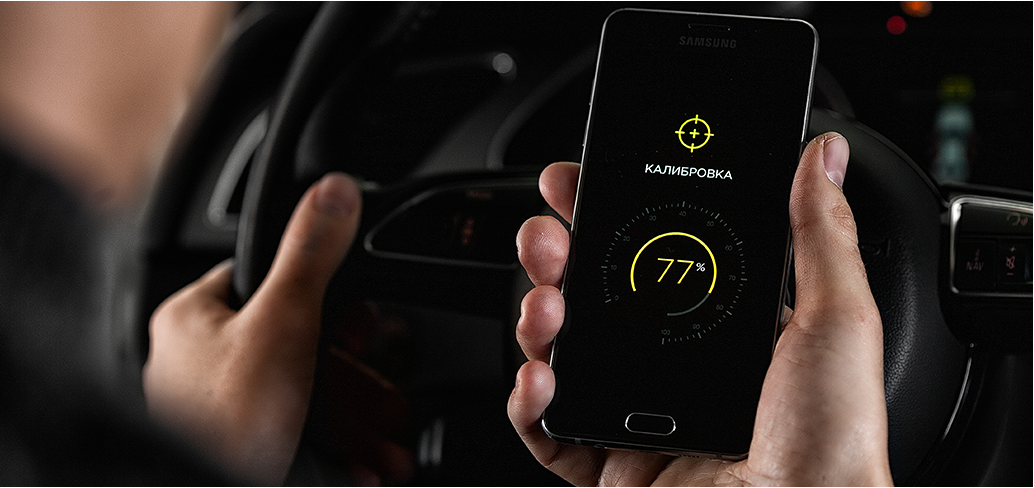
Calibration begins once the settings have been downloaded; this takes 3 minutes. A red LED will flash during calibration and you can check the calibration status on your smartphone. Once the calibration is finished, the LED will turn yellow to show the device is working.
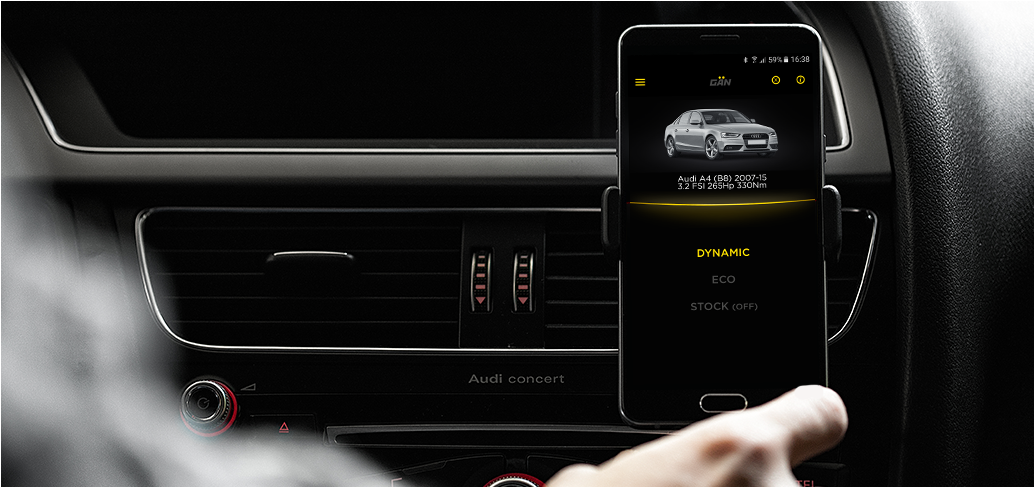
Choose between DYNAMIC, ECO and STOCK (OFF) modes on your smartphone.

A 120 km drive is required before the device adapts to the engine control unit.

Feel your car in a new way.
Installation steps · GAN GA · 10 steps
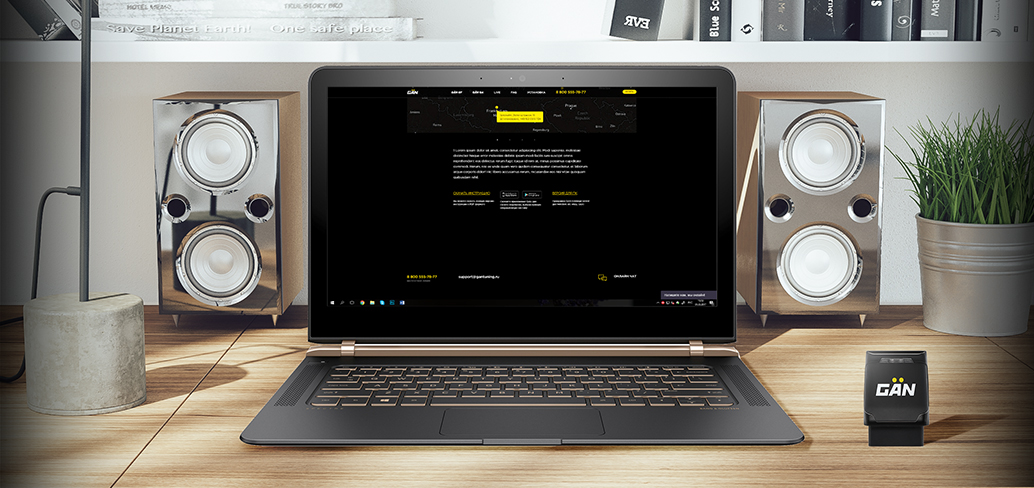
Download the GAN PC app under Installation.
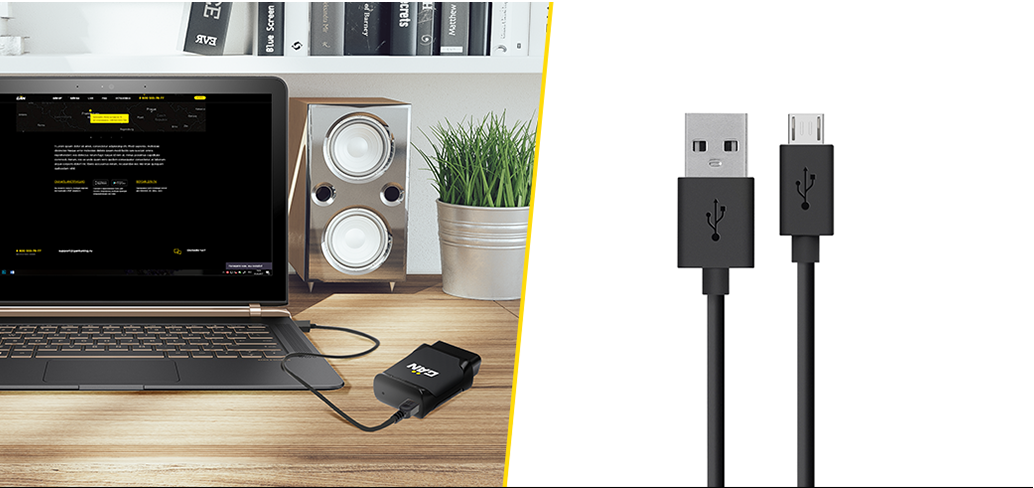
Connect the device to your PC with a Micro USB cable.
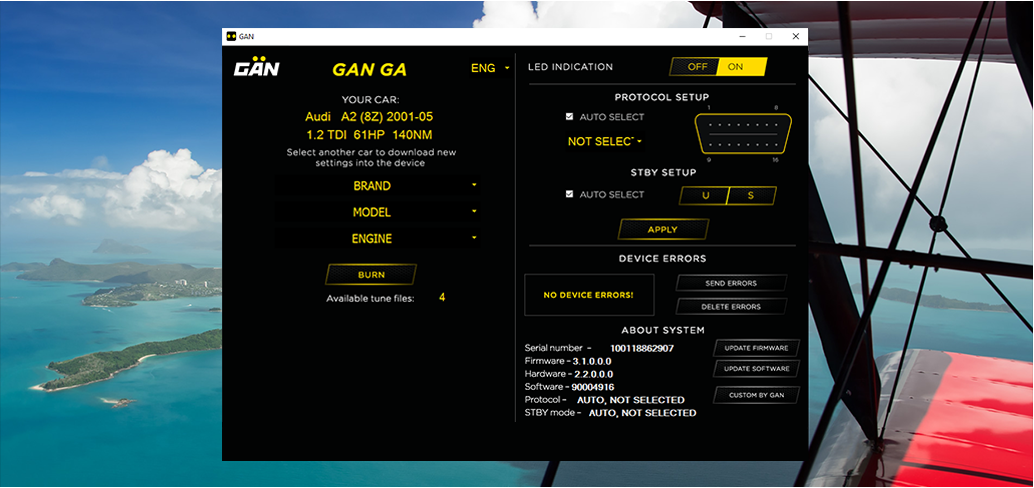
Select your car in the application. The necessary settings will then be sent to the device.
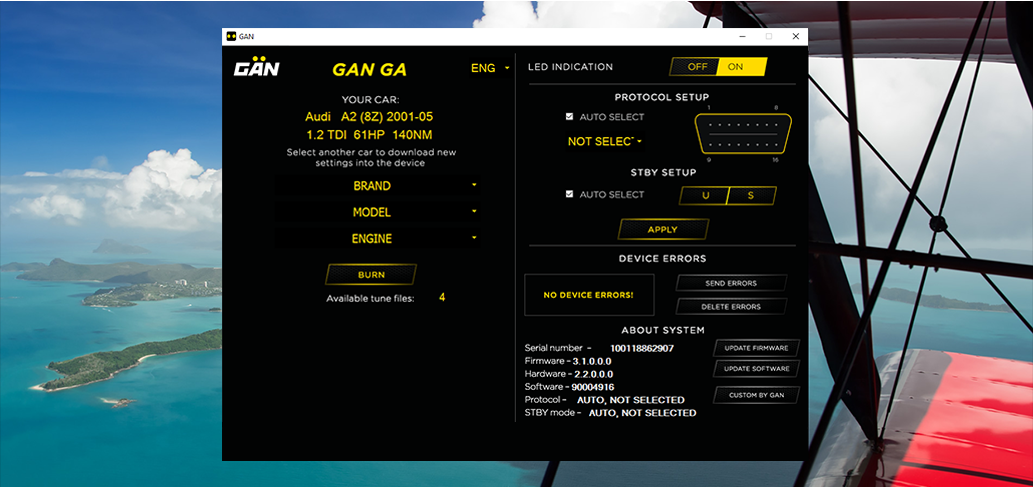
GAN is ready to be installed in your vehicle.
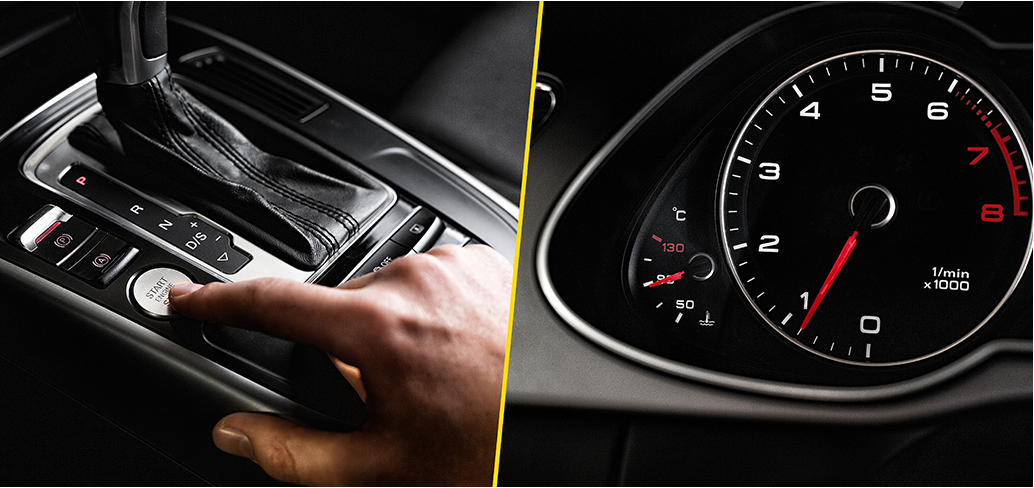
Warm up your engine to operating temperature (90 °C).
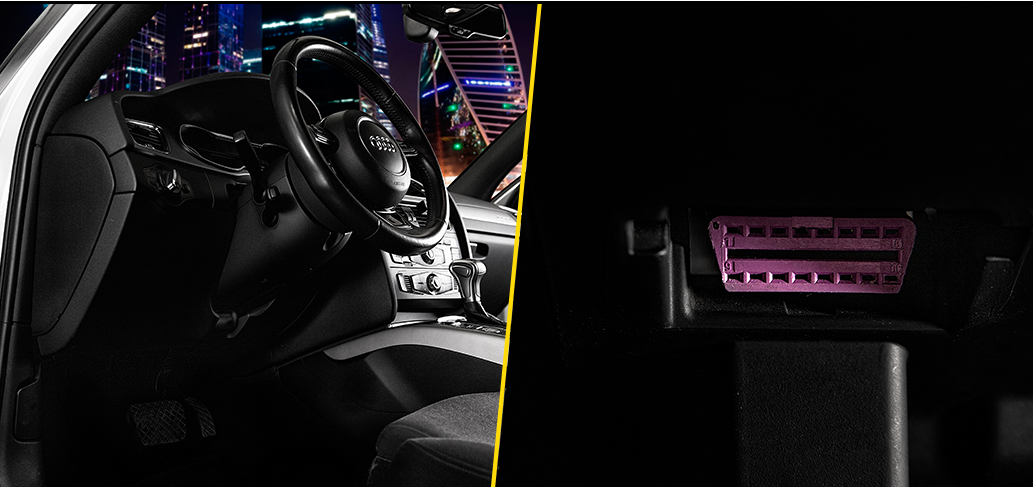
Find the OBD-II connector in your vehicle; it is usually located under the steering wheel. You will find the exact location of the OBD-II connector in the owner’s manual for your car.
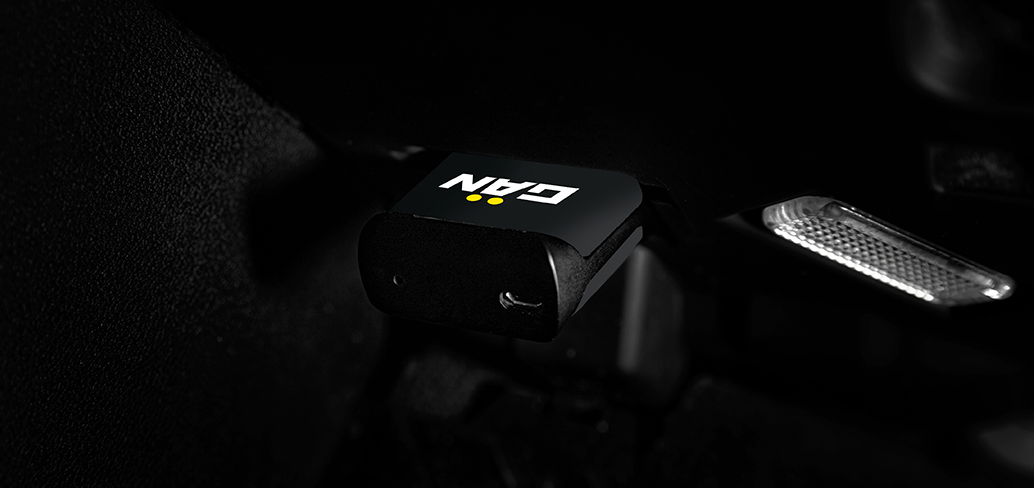
Plug the device into the OBD-II connector when the engine is running.
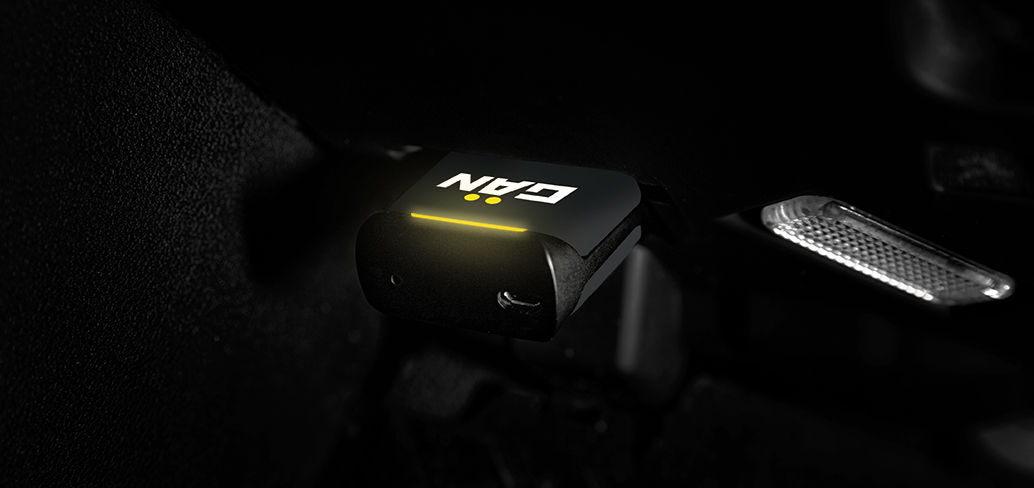
Calibration starts automatically and takes 3 minutes. A red LED will flash during calibration. Once the calibration is finished, the LED will turn yellow to show the device is working.

A 120 km drive is required before the device adapts to the engine control unit.

Feel your car in a new way.
All guides in one place
PDF installation guides for each tuning module, plus the smartphone app and the PC software.
How to return to factory settings
GAN GT, GAN GTL and GAN GA+: tap OFF in the app and the tuning module stops adjusting the signals. To remove the module completely: for the GAN GT and GAN GTL, disconnect it and plug the factory connectors back in; for the GAN GA and GAN GA+, unplug it from the OBD-II connector. The module leaves no electronic or mechanical traces: the factory ECU software is never changed, and your car’s factory warranty is preserved.
About the GAN app →